

Cognosys Inc. virtual machine images are fully configured for all application stacks.
Apache Tomcat, often referred to as Tomcat, is an open-source web server developed by the Apache Software Foundation (ASF).
How to access the Apache Tomcat Stack?
Step 1. Download RDC from AWS Panel and connect RDP with valid Credential.
Step 2. Open “Configure Tomcat” from Programs Menu
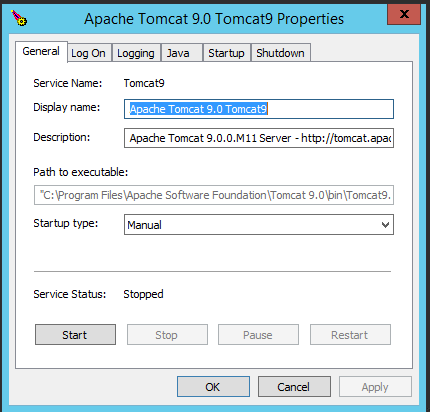
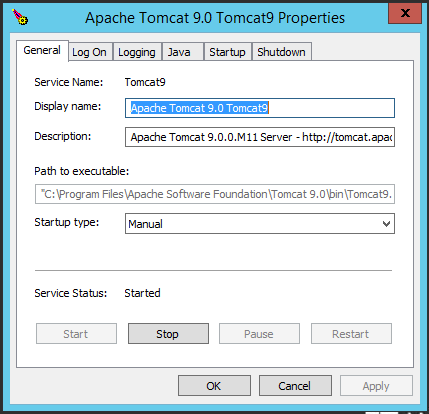
Step 3. Start Apache Tomcat Service by clicking on Start Button
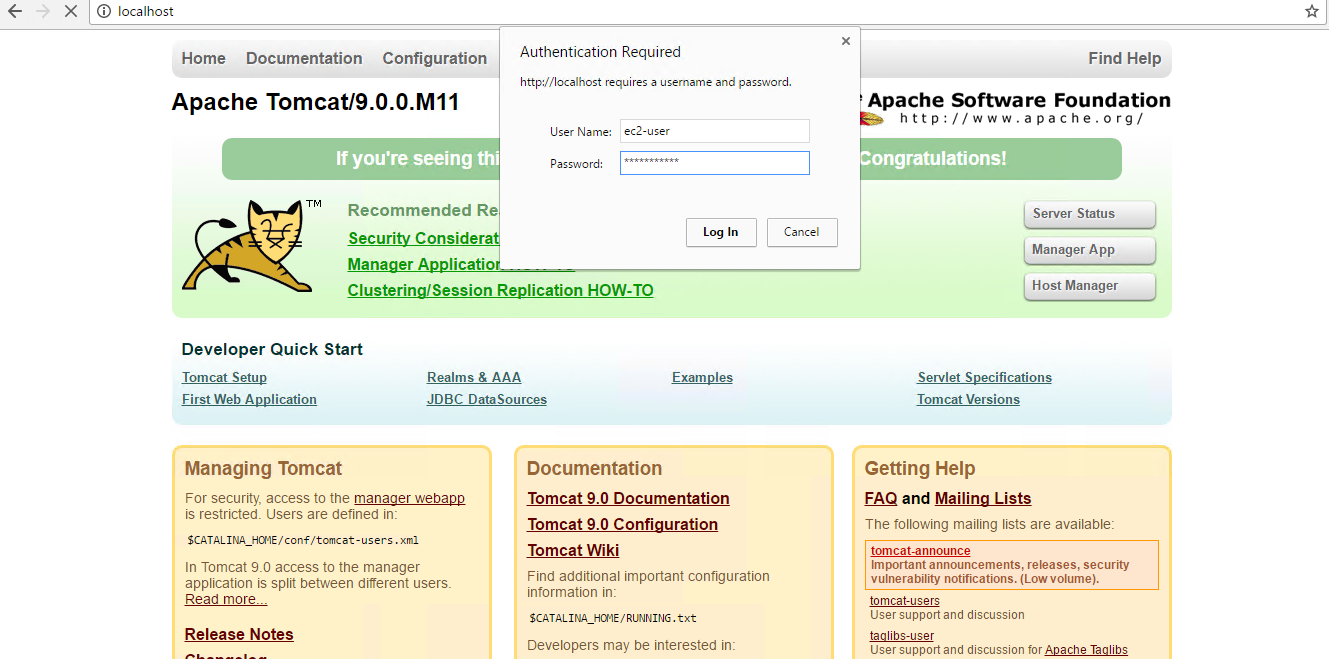
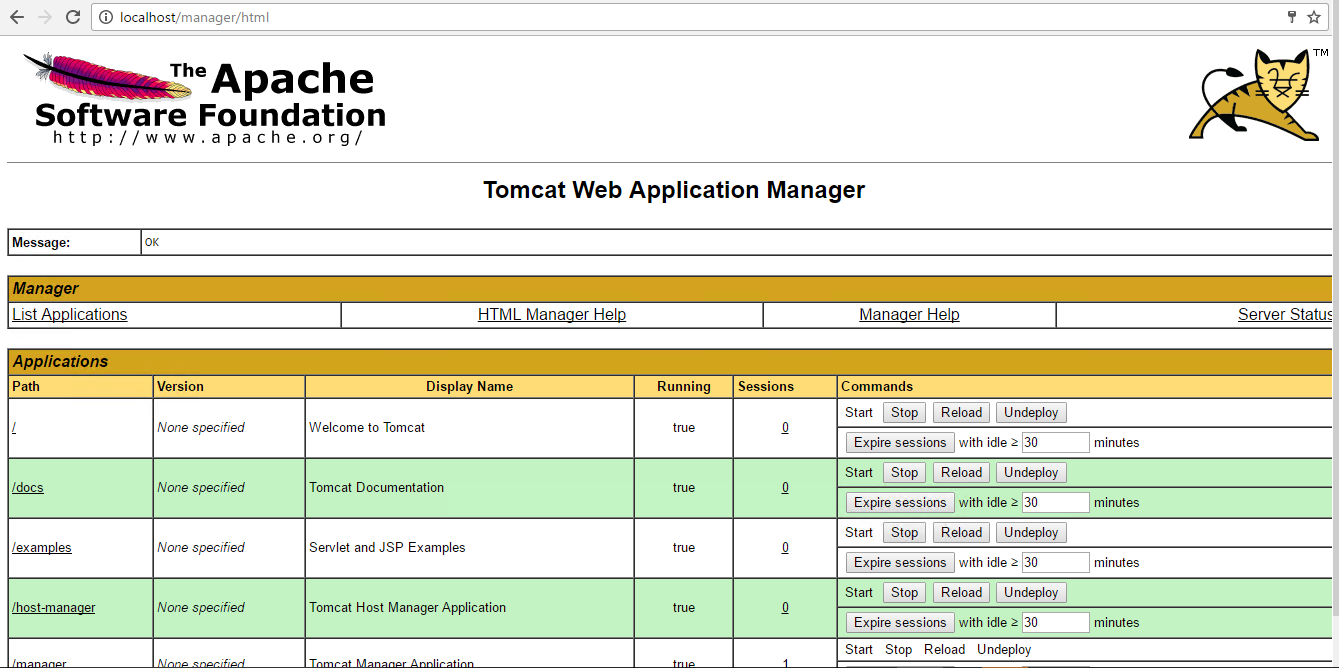
Step 4. To access the Application URL, navigate to http://localhost/manager/html,enter your username and password, and click Log In.
AWS Default application login information ( Note: Please change to avoid unauthorized access.)
- User Name: ec2-user
- Password: Passw@rd123
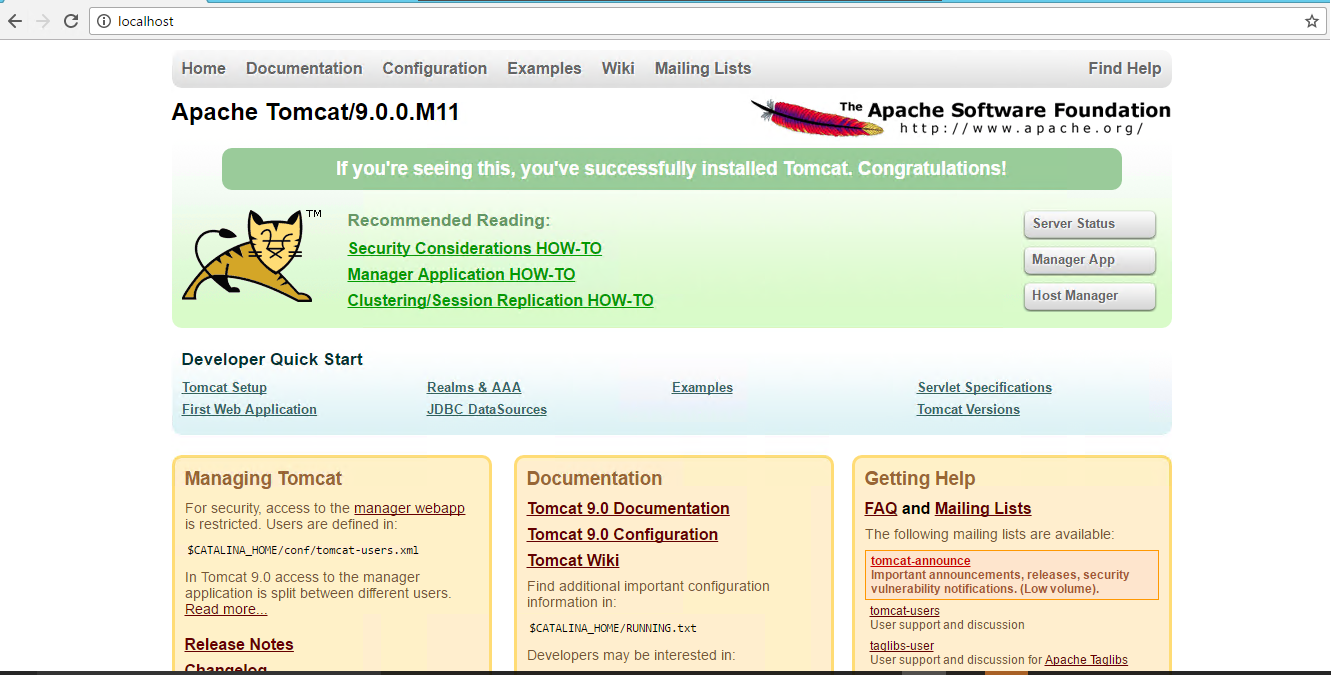
Step 5. click “manage app” Button and log in
Step 6 : After successful login user will get Welcome wizard for Apache Tomcat.
How to change the User and Password ?
Step 1. First you need to ‘stop’ Tomcat Service from Configure Tomcat Window
Step 2. Then, You need to go to this path – C:\Program Files (x86)\Apache Software Foundation\Tomcat 9.0\conf
Step 3. Open tomcat-users.xml file in Editor
Step 4. You will see User – ec2-user || Password – Passw@rd123, Put any user and password and save it
Step 5. Then start Tomcat Service again, You can login by your Credentials
Apache TOMCAT : ADMINISTRATOR PANEL