
Cognosys Inc. virtual machine images are fully configured for all application stacks.
SilverStripe is a modern open source programming framework and content management system (CMS) for creating and maintaining websites.
How to access the SilverStripe CMS Stack?
Step 1. Download RDC from Azure Panel and connect RDP with valid Credential.
Step 2. Open the stack from IIS.
Step 3. To access the Application URL, navigate to http://PublicDNS/SilverStripeCms, enter your username and password, and click Log In.
AWS Default application login information ( Note: Please change to avoid unauthorized access.)
- User Name: ec2-user
- Password: Passw@rd123
Azure Default application login information ( Note: Please change to avoid unauthorized access.)
- User Name: Azureuser
- Password: Passw@rd123
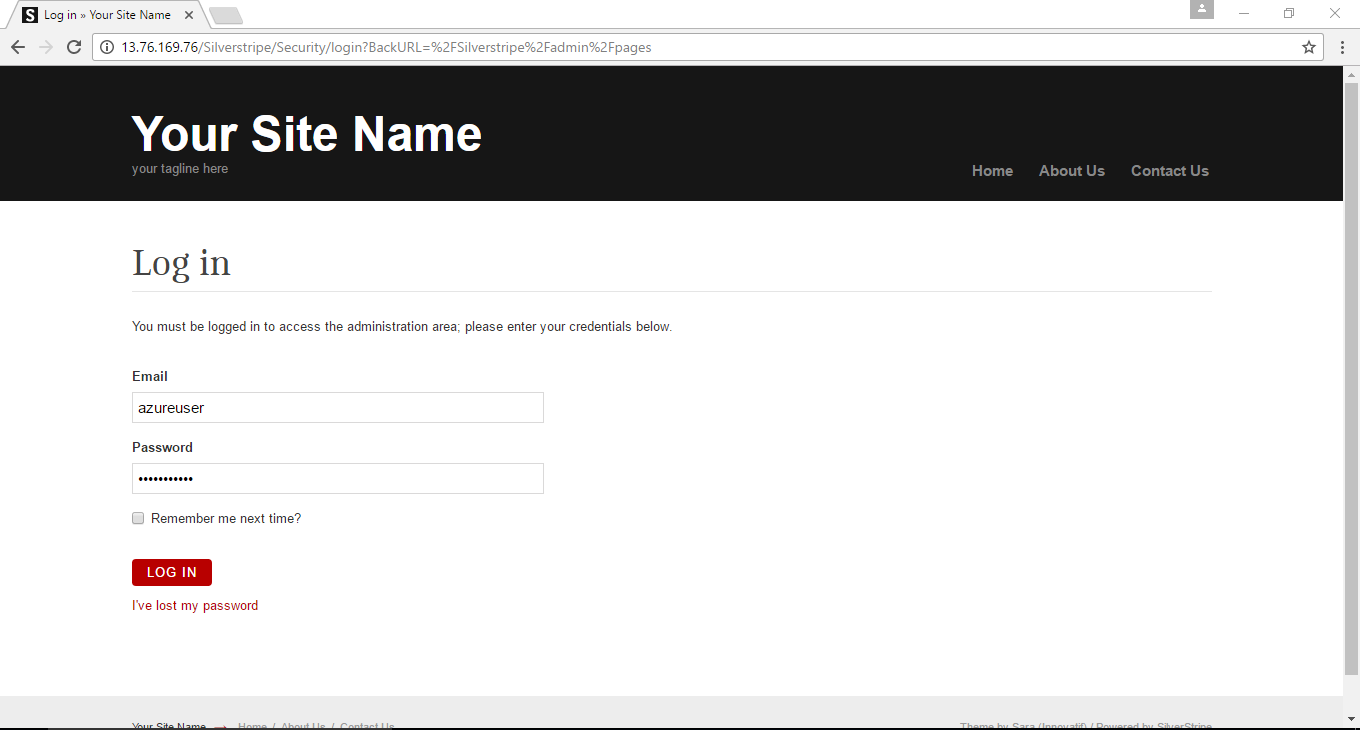
Step 4. Open Application in browser on physical machine with Given application
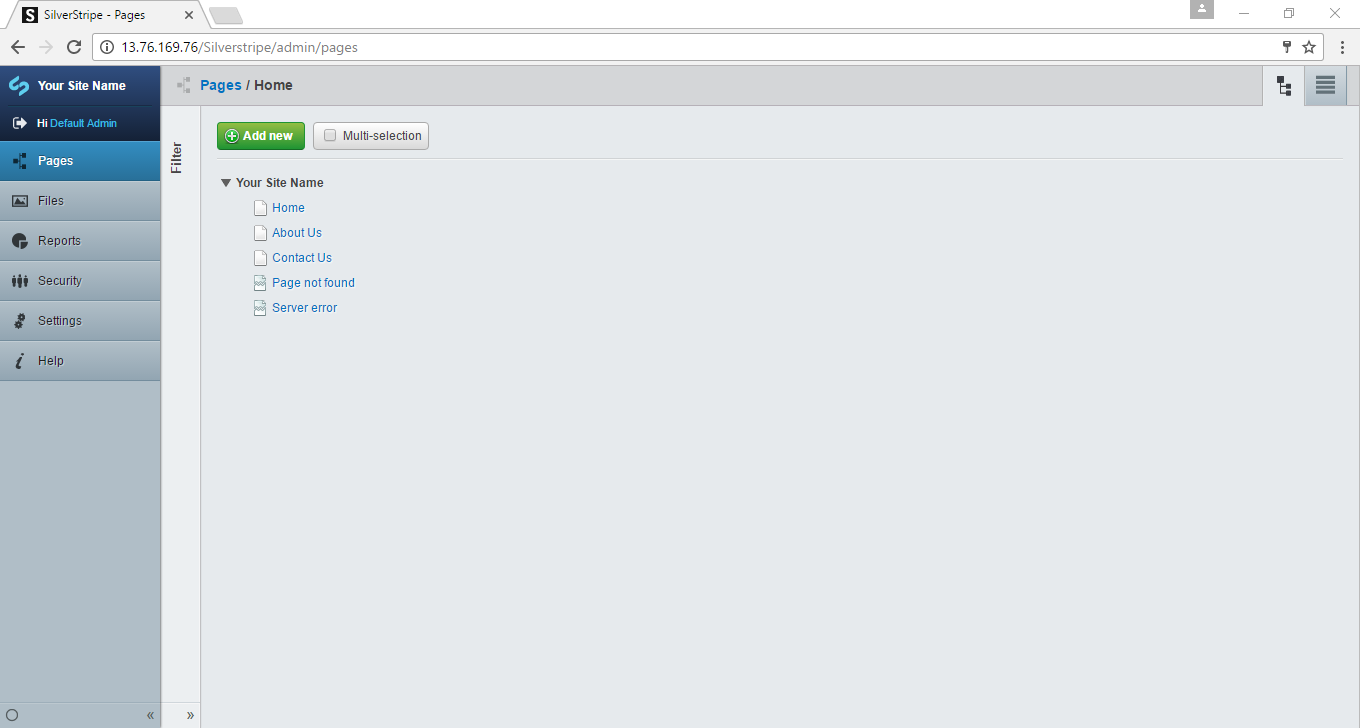
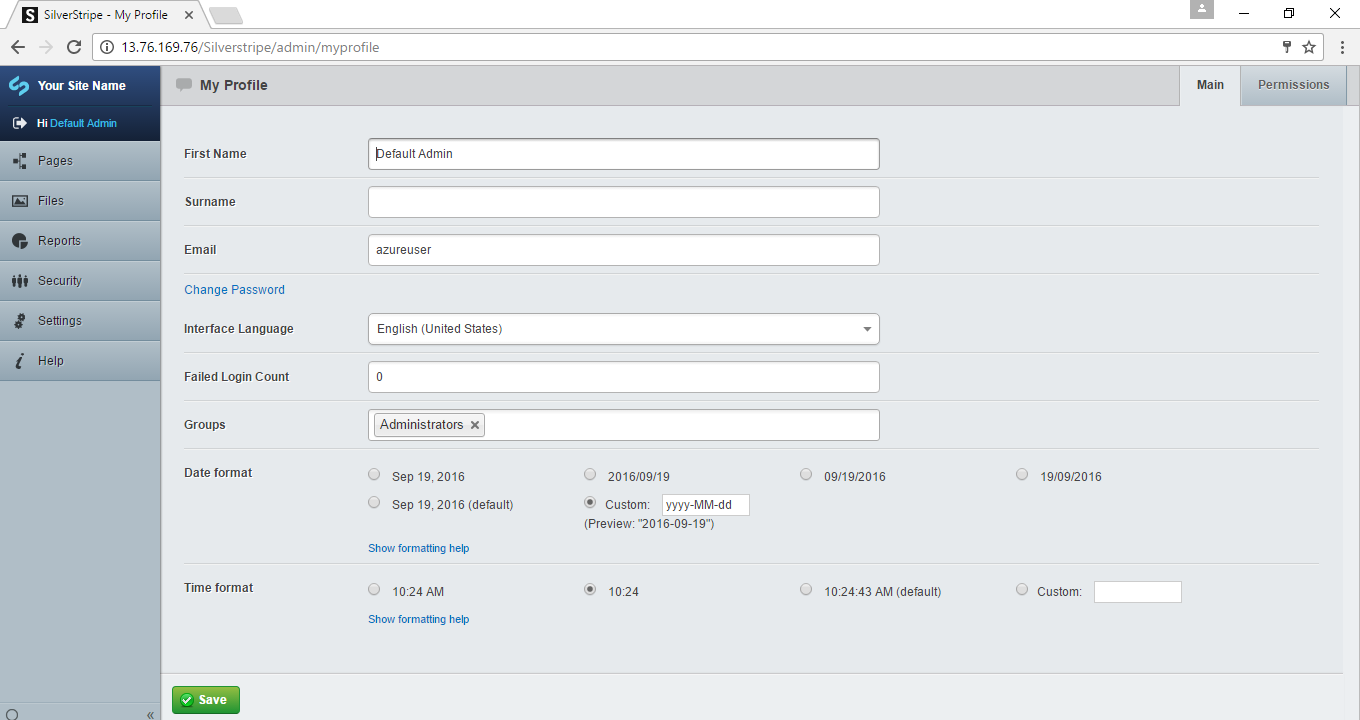
SilverStripe CMS :ADMINISTRATOR PANEL