
Cognosys Inc. virtual machine images are fully configured for all application stacks.
Mayando is a fully-featured themeable photo blogging application written in ASP.NET MVC that allow you to showcase your photos online.
How to access the Mayando Stack?
Step 1. Download RDC from AWS/Azure Panel and connect RDP with valid Credential.
Step 2. Open the stack from IIS.
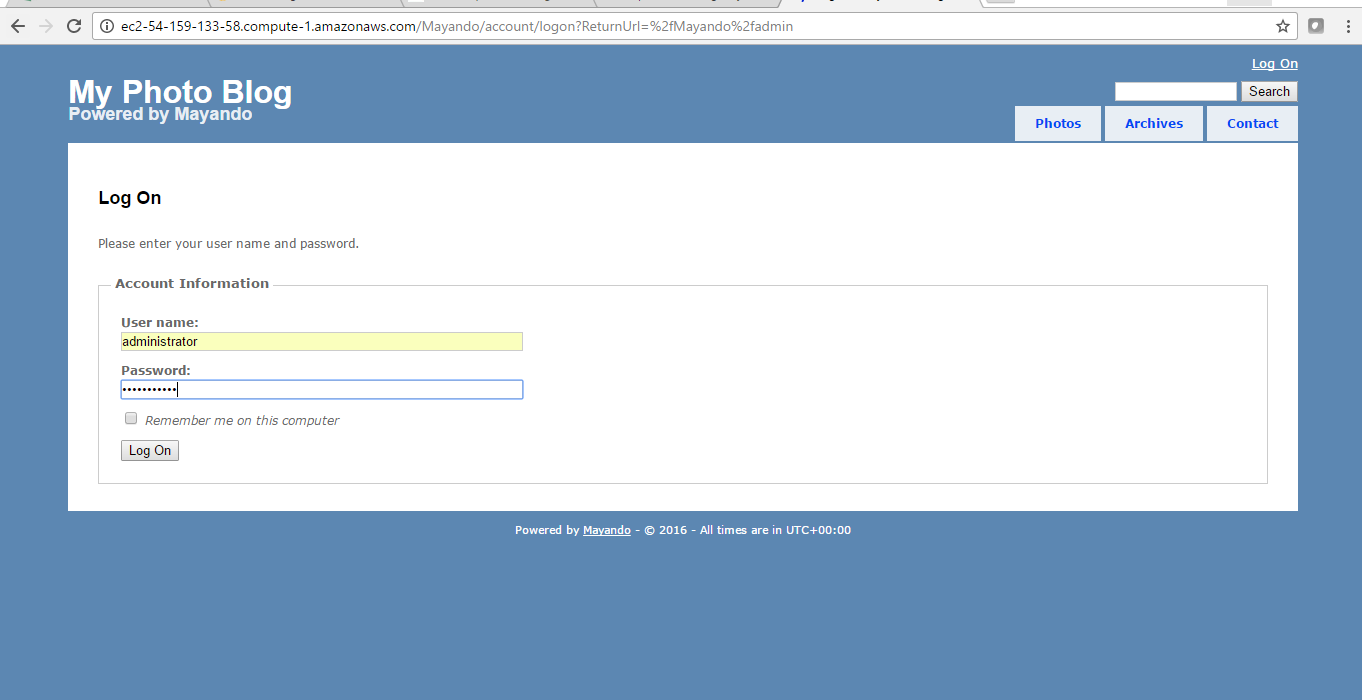
Step 3. To access the Application URL, navigate to http://PublicDNS/Mayando /admin, enter your username and password, and click Log In.
AWS Default application login information ( Note: Please change to avoid unauthorized access.)
- User Name: Administrator
- Password: Passw@rd123
Azure Default application login information ( Note: Please change to avoid unauthorized access.)
- User Name: Administrator
- Password: Passw@rd123
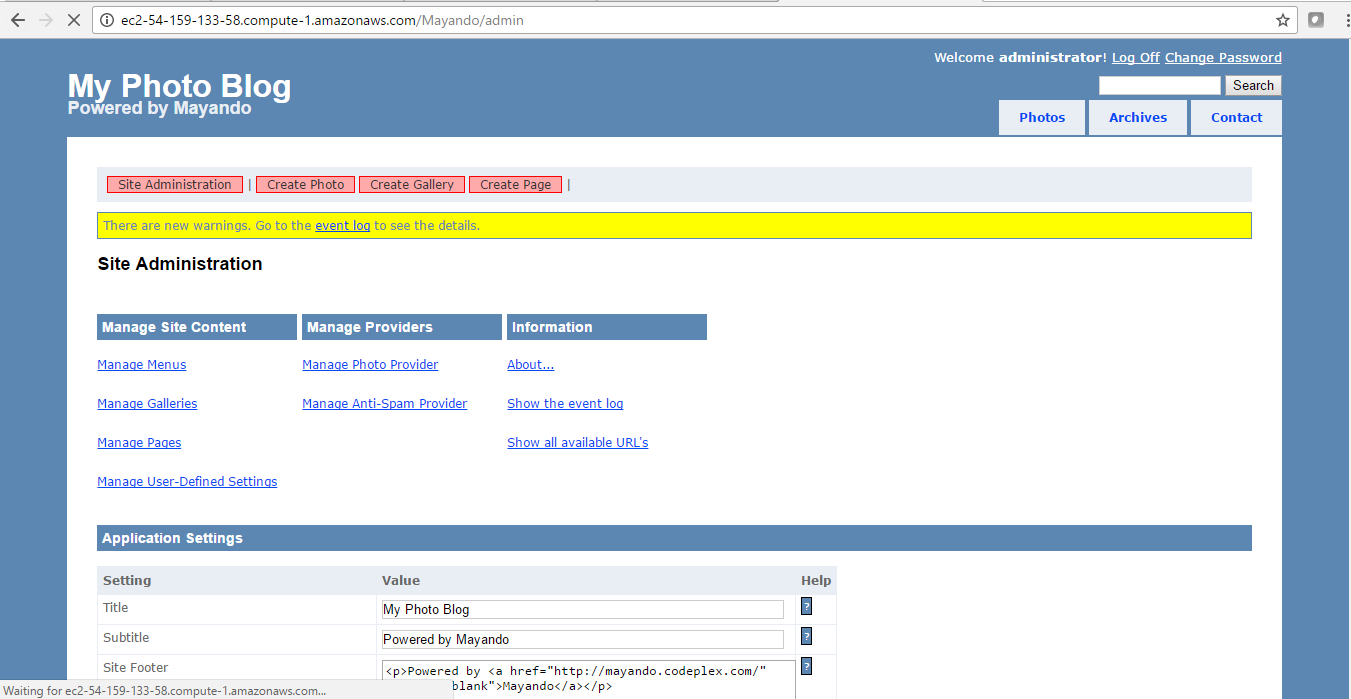
Step 4: After successful login to Admin Panel, dashboard displays Contents, Structure, Users, Configuration that exist in your account.
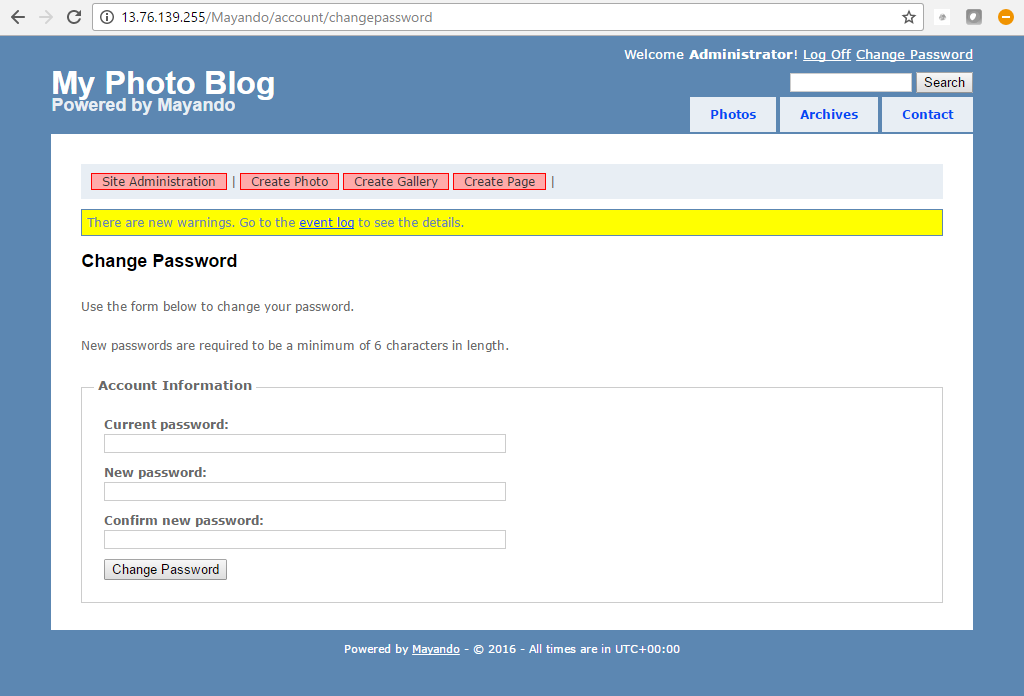
Step 5. User can change password and manage his profile.
Mayando : ADMINISTRATOR PANEL