Cognosys Inc. virtual machine images are fully configured for all application stacks.
BaasBox is a complete solution to implement the back end of your applications.
How to access the BassBox Stack?
Step 1. Download RDC from AWS/Azure Panel and connect RDP with valid Credential.
Step 2. Open the stack from IIS.
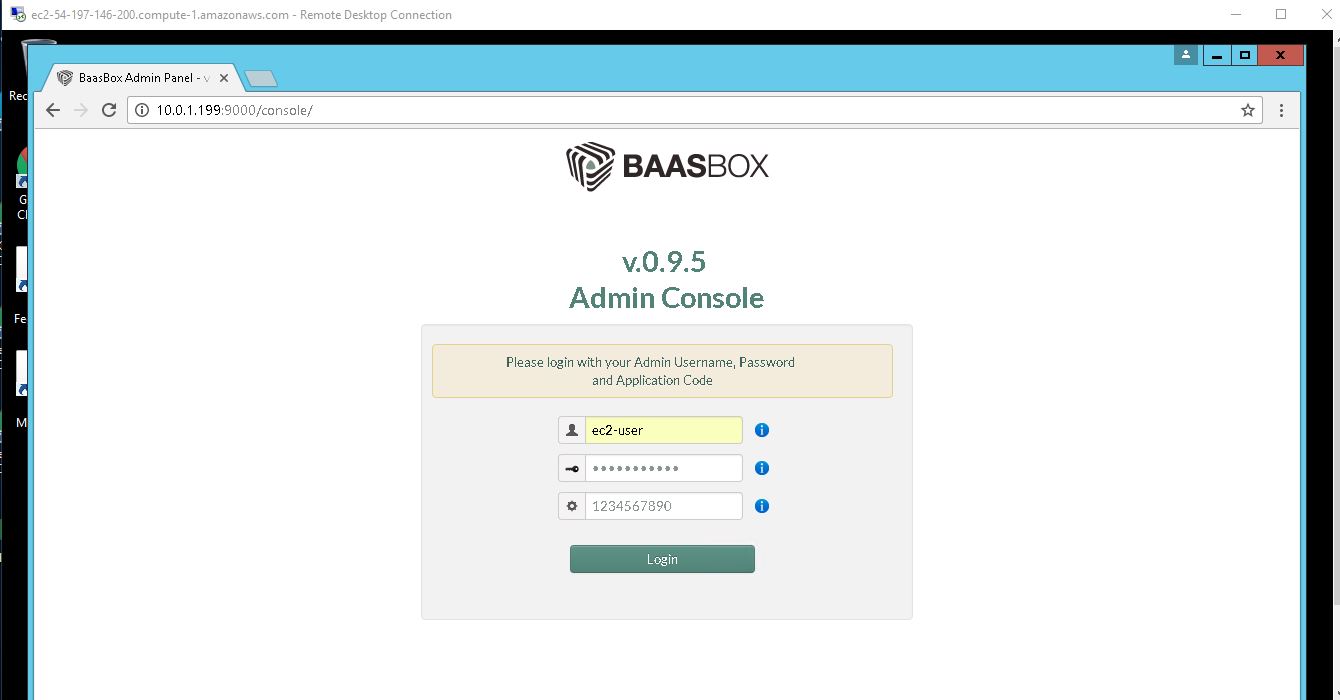
Step 3. To access the Application URL, navigate to http://publicdns:9000/console,enter your username and password, and click Log In.
AWS Default application login information ( Note: Please change to avoid unauthorized access.)
- User Name: ec2-user
- Password: Passw@rd123
Azure Default application login information ( Note: Please change to avoid unauthorized access.)
- User Name: azureuser
- Password: Passw@rd123
Step 4. Installation Steps
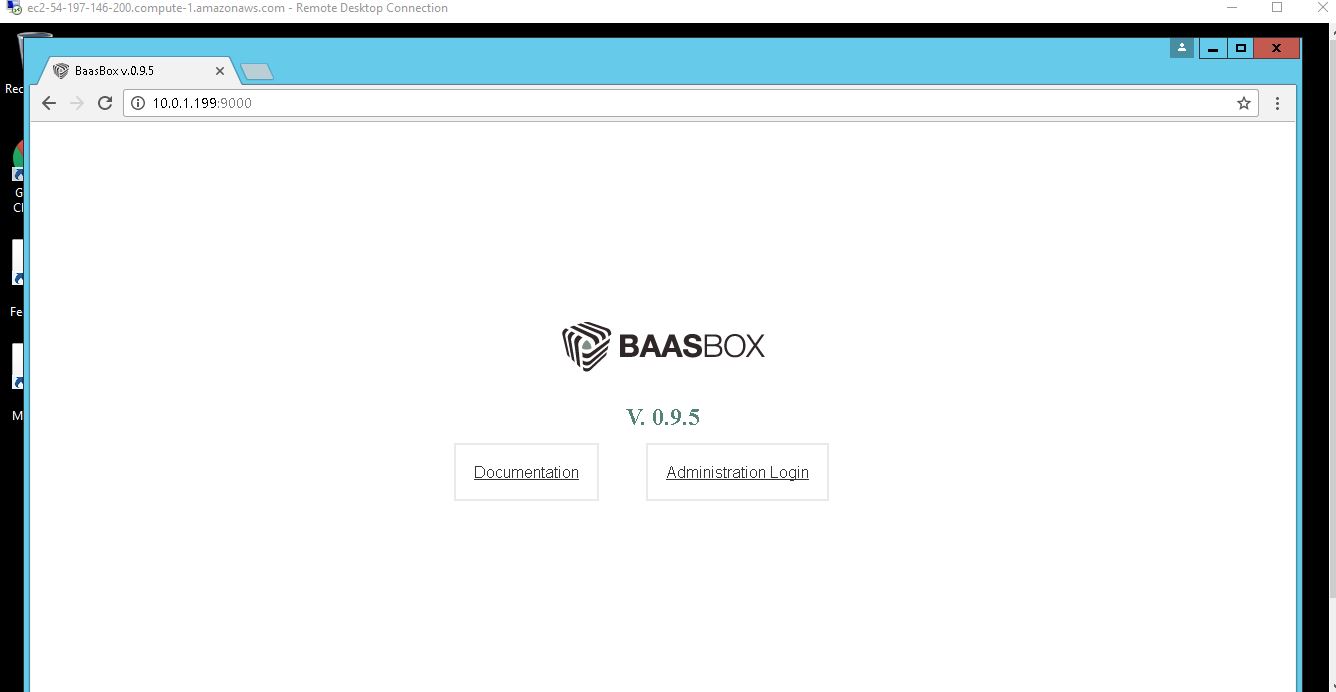
1.Bassbox Wellcome page
2. Admin Console
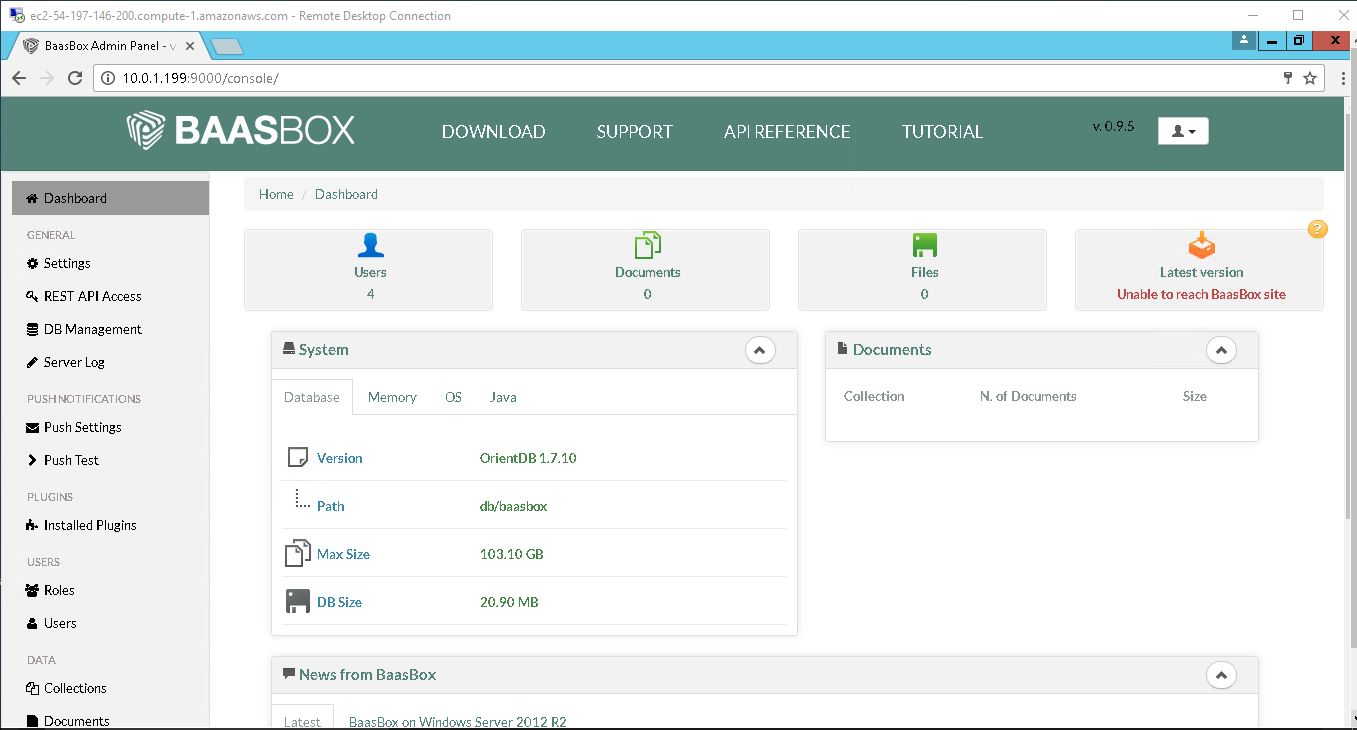
3. Dashboard
4. User can create , change password and manage his profile.
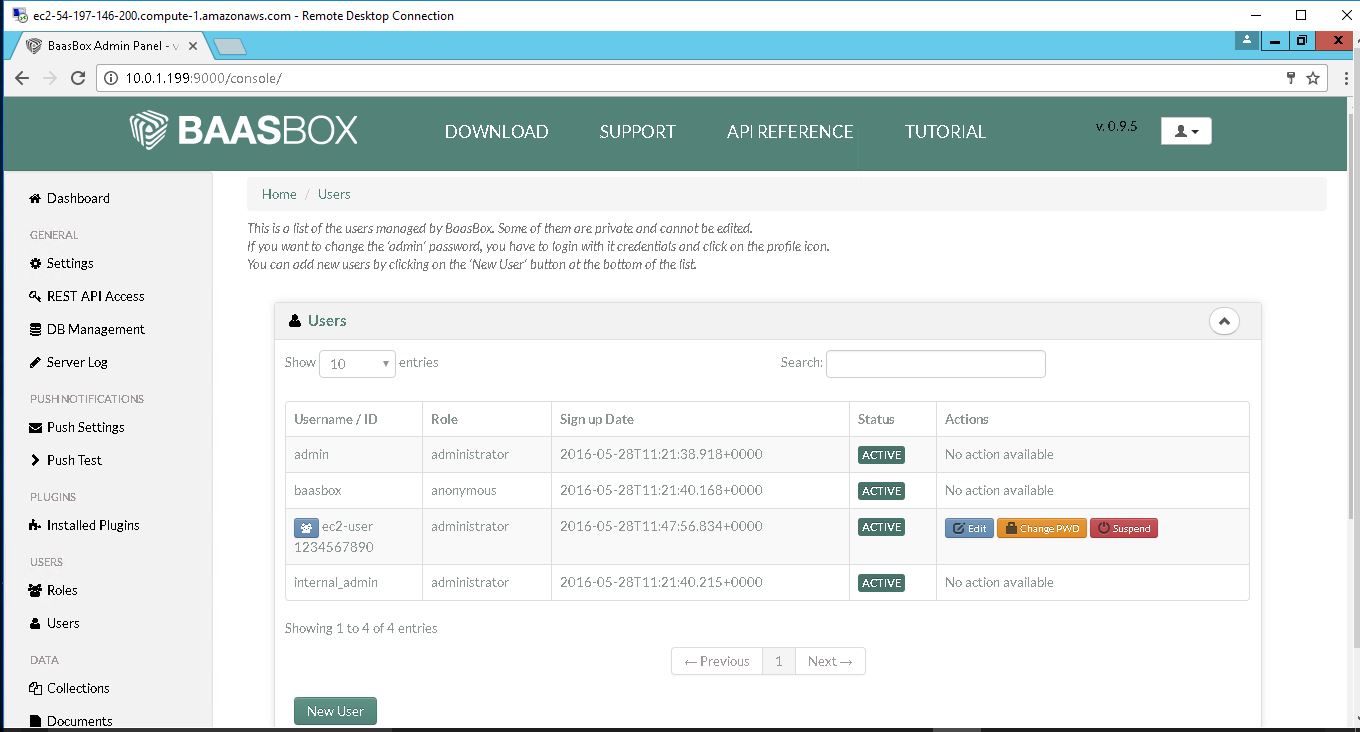
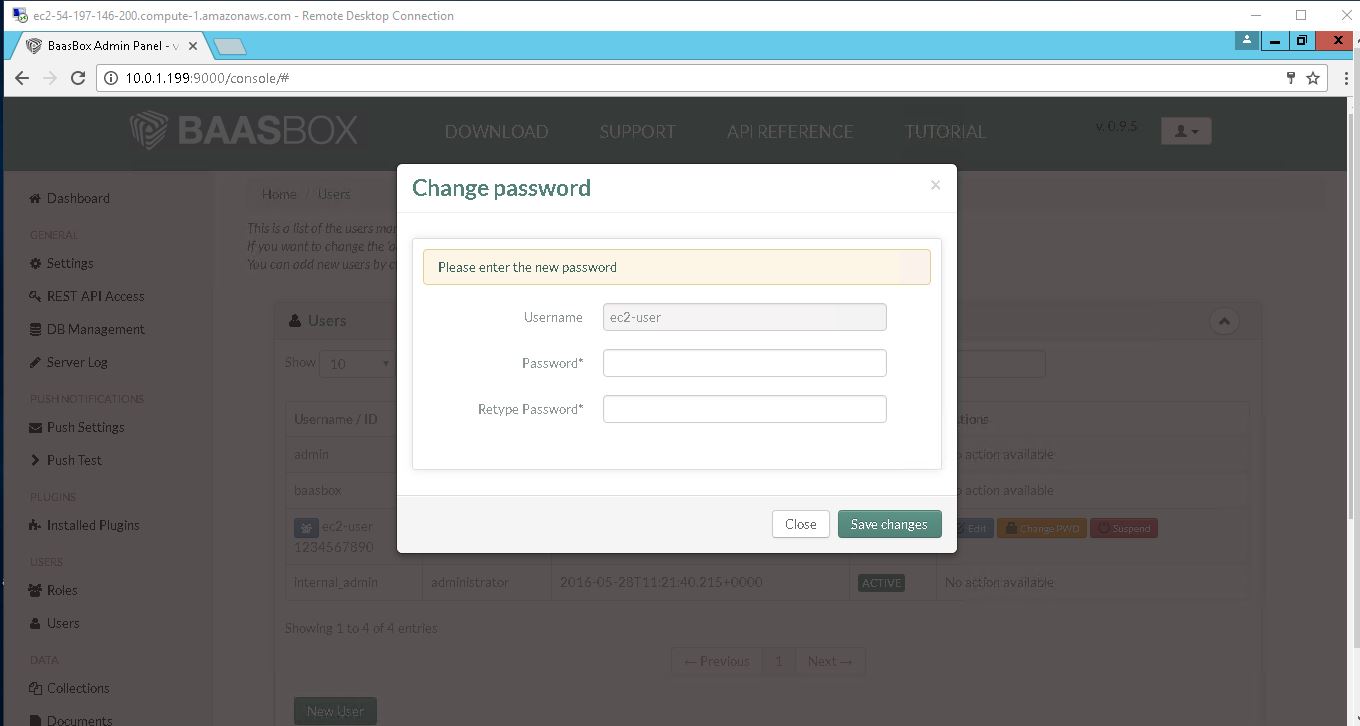
5.change password